




Quick Pick
For the everyday pick.
Turn a list of names into one simple decision. Quick Pick runs locally and does not create an official group draw record.
Make a quick pickFree wheel spinner & random name picker
Pick a name, settle dinner, start a task or bring a class together. Add your own options or start with a ready-made wheel.
Free to use. No sign-in needed to pick. You choose when to save or share.
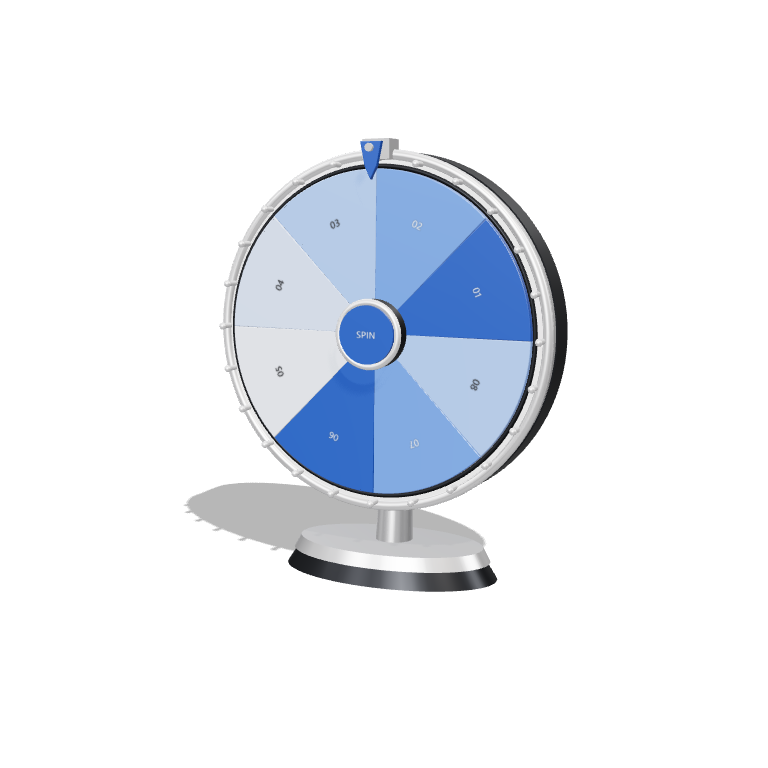
A little suspense. One clear choice.Illustration only. Your real pick happens in the app.
Getting your saved wheels…
Save only when you choose. These wheels stay on this browser and are available to anyone using it. Download a file to move a wheel to another device.
Choose a wheel, make it yours, and get on with the good part.
Two ways to come around
Use the right kind of draw for the moment.
Quick Pick
Turn a list of names into one simple decision. Quick Pick runs locally and does not create an official group draw record.
Make a quick pickTelegram group draws
Publish through your branded workspace. Members join in Telegram, and the selected winners stay with the saved draw.
Set up your workspaceThe product, in view
ExampleSynthetic names and prizes. These are the real entry-card and result components, not an active draw.
A coffee on us
Winner: Mei Ling
Use the free wheel
Start with an example or your own list. Keep the wheel when you choose.
Try the wheelChoose a ready-made wheel or open Quick Pick and add one name or option per line. Edit the list to make it yours.
Tap the pick button. Choose your speed, present the wheel or remove the selected option before picking again.
Choose Save on this browser and give the wheel a name. Reopen it from My wheels on your next visit. Download a wheel file to move it to another device.
Log in with Telegram here, then give your workspace its own name and branding.
Add DrawCircle as a Telegram group admin. You need group-admin access too.
Set a name, a prize and a closing time. Share the entry card so members can join.
After the deadline, close entries and pick the winners. Winners can claim their prize in the app.
Organizers provide and fulfil prizes. DrawCircle does not hold or transfer a prize fund.
Host in TelegramSmall steps on your real wheel. Leave whenever you like.
Optional GoldTraders programmes, separate from your DrawCircle draws. Check the current dates and eligibility inside GoldTraders.
Checking community programmes.
The useful details
A few things worth knowing.
Yes. Add your names or options, or choose a ready-made wheel. Pick, customize, present and copy results without an account.
Pick a student or teammate, settle a dinner choice, start a chore, choose a classroom activity or find a conversation starter. Every option can be edited.
Yes. Choose Save on this browser, then reopen your named wheel from My wheels next time. You can also download a wheel file and open it on another device. Telegram login offers a separate account save. Wheel contents are never saved automatically.
Once DrawCircle shows Ready for offline picks and browser saves, the free picker, starter examples and My wheels can reopen without a connection in that browser. Accounts, group draws and optional media still need internet. Clearing browser data removes saved wheels and offline files.
No. Quick Pick runs locally. For an official group draw record, use your DrawCircle workspace in Telegram.
Log in with Telegram and create a workspace. Connect your Telegram group with admin access for you and DrawCircle.
The organizer provides and fulfils prizes. DrawCircle records the draw and supports claims; it does not hold or transfer a prize fund.
Open DrawCircle in Telegram to see the draws you joined. In a connected group, /results shows the latest winners.
No. Telegram login is enough to save sessions and workspaces. Optional GoldTraders programmes have their own eligibility rules.
Here’s to the next one

 Join the draw